
Practical productivity · 4 minute read
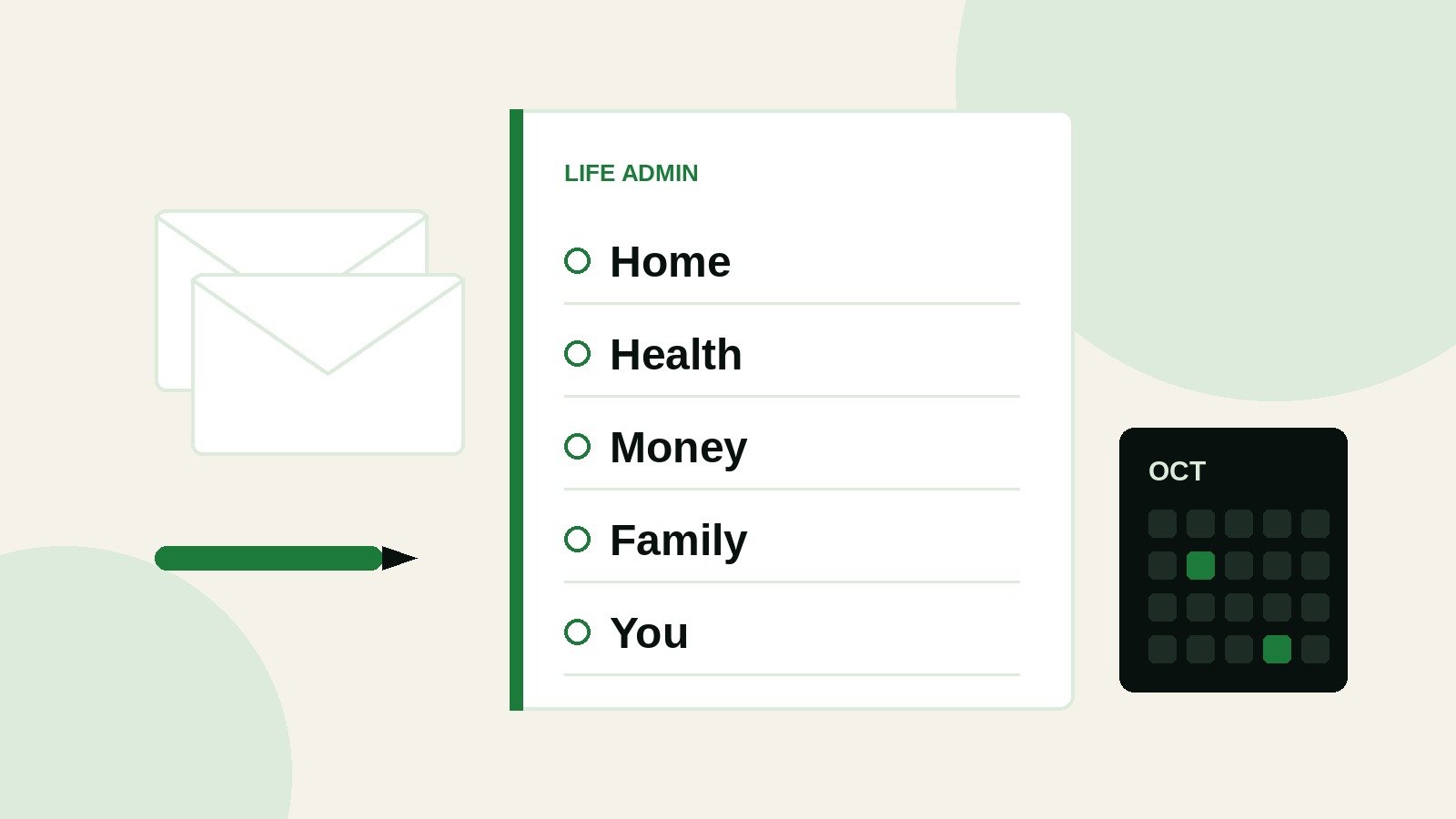
Life admin is everything that keeps life running in the background. Paying bills. Renewing the car insurance. Replying to school emails. Booking the dentist. Sorting the tap that has been dripping for a month.
None of it takes long on its own. The problem is that it never stops, and most of it lives in your head. That is why you can spend a whole evening feeling busy and still not remember what you did.
You will not make life admin disappear. You can make it smaller, more predictable and much less noisy. Here is how.
1. Get it out of your head
Your memory is a poor place to store a to do list. (If you want the reason, read How much do you actually remember?)
Take 15 minutes and write down every admin task you can think of. Use 5 headings so nothing hides:
- Home: repairs, cleaning, food shopping, post
- Health: appointments, prescriptions, check ups
- Money and paperwork: bills, budgets, insurance, renewals, important documents
- Family: school messages, birthdays, clubs, caring for others
- You: the admin attached to your own goals, learning and hobbies, plus passwords and online accounts
Do not sort or judge yet. Just empty your head onto the page.
2. Sort it by how often it comes round
Most life admin repeats. Mark each item as weekly, monthly, quarterly or yearly.
Weekly might be the food shop and school emails. Monthly might be checking direct debits. Yearly might be the MOT, the boiler service or the passport renewal you always remember 3 weeks too late.
Once you can see the rhythm, you stop being surprised by it.
3. Drop it, hand it over or automate it
Go down the list and ask 3 questions about each task:
- Can I drop it? Does this actually need doing, or is it a habit nobody would miss?
- Can someone else do it? A partner, an older child, a service you already pay for.
- Can technology do it? Direct debits, repeat prescriptions, recurring calendar reminders, a regular grocery order.
Every task you remove here is one you never have to think about again.
4. Give it a regular slot
What is left needs a home in your week. Book 2 short admin slots, around 30 minutes each, and treat them like any other appointment. One midweek, one at the weekend works for most people.
When something lands in your inbox on a Tuesday afternoon, it goes on the list for the next slot. You stop dropping what you are doing every time a form arrives.
Batching similar jobs helps too. Pay everything in one sitting. Make every booking in one go. Less switching, more done.
5. One list, one calendar
Too many apps, notebooks and sticky notes is how things fall through the gaps. Pick 1 place for tasks and 1 calendar for dates, and use them every day.
Put anything with a deadline in the calendar with a reminder a few weeks ahead: renewals, MOTs, school forms, birthdays. Let the calendar do the remembering.
6. A 10 minute check each week
Once a week, look at your list and ask:
- What is due next week?
- What is overdue?
- What can wait?
That short check keeps the system honest. If everything on the list suddenly feels urgent, read When everything feels urgent, start here.
You will still miss things
That is fine. The aim is not to be on top of everything. It is to stop being buried by it. A simple system you keep using beats a perfect one you abandon after a fortnight.
Something to make this easier
I am building a simple app to take the weight of life admin off your mind, based on the same steps in this article. It is early days, and I will share more as it takes shape.
Follow @love_productivity to hear about it first.

Written by Oz. I share practical ideas from years in business operations and project delivery, and from running a busy home. More about me.
Pingback: A weekly reset you will actually keep | Love Productivity
Pingback: Your to do list lives in 5 places. Here is what to do